
ZArchiver
ZArchiver is a free archive manager for Android by Ant-ON for opening and creating compressed files. This page covers version 1.0.10.
5.1 MB
4.24.0 · Flextech Inc. · Page updated
TeraBox for Android is Flextech's cloud storage app for backing up photos, videos and documents from your phone and accessing them later.
Average 0.0 · ratings: 0
Thank you! Your rating is saved; you can change it. Could not save the rating. Please try again later. Too many ratings from your network today. Please try again tomorrow. The average appears after 5 ratings.
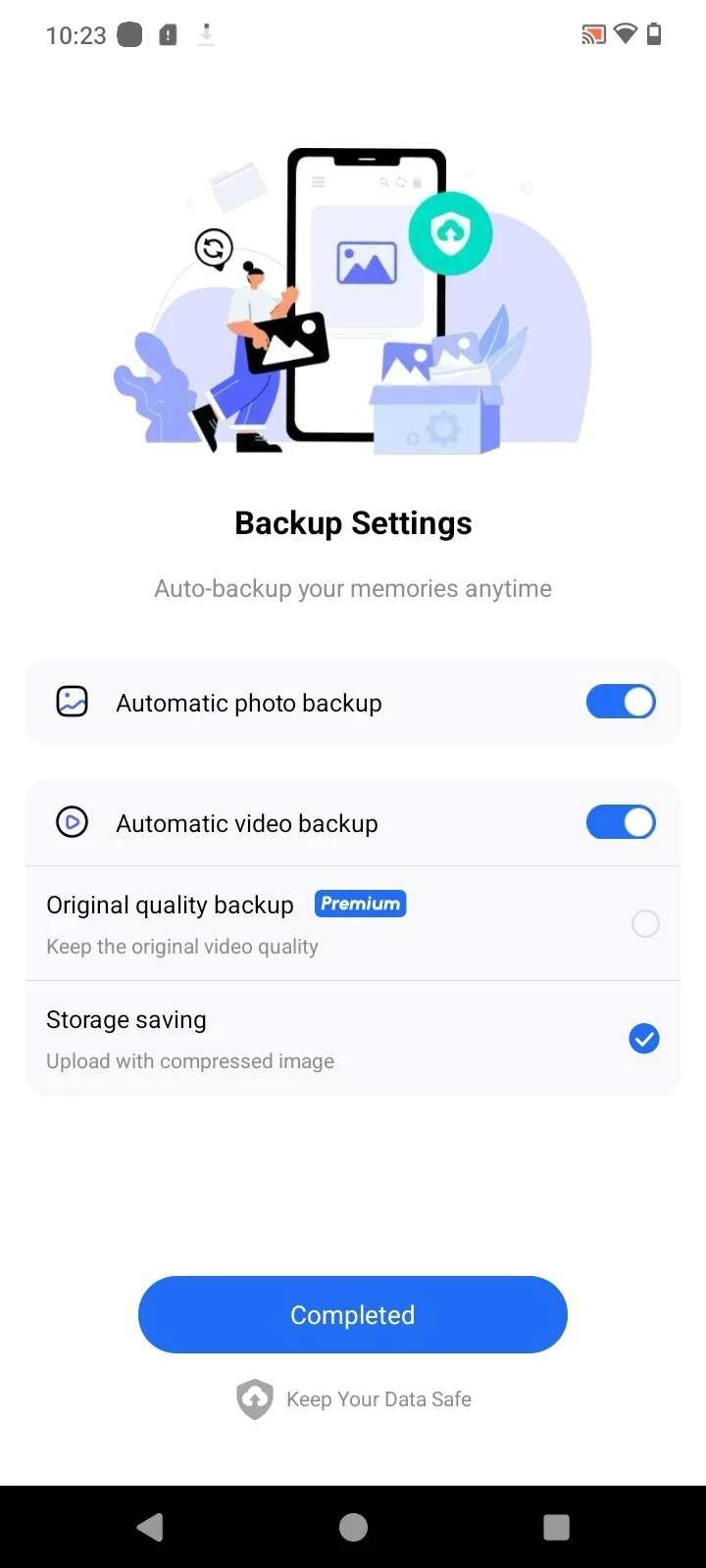
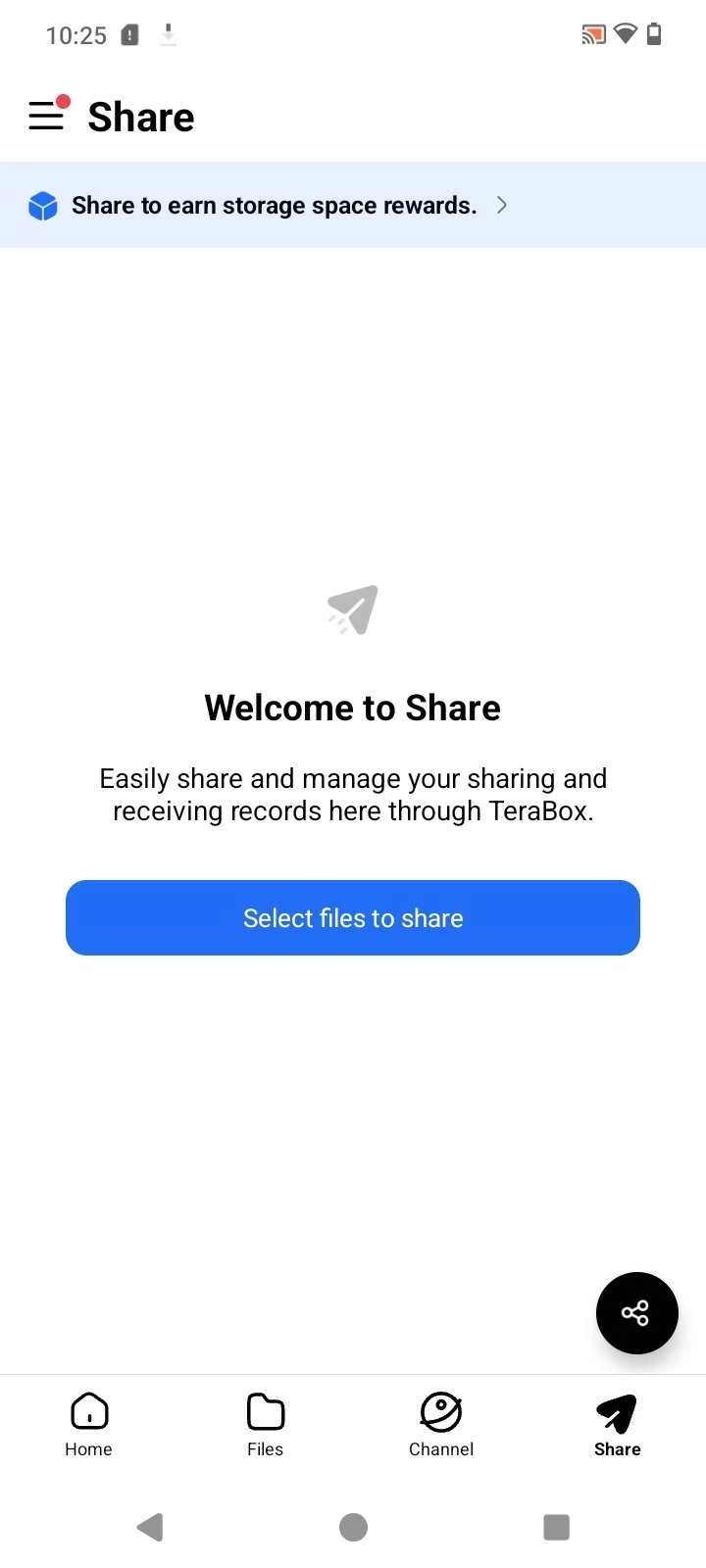
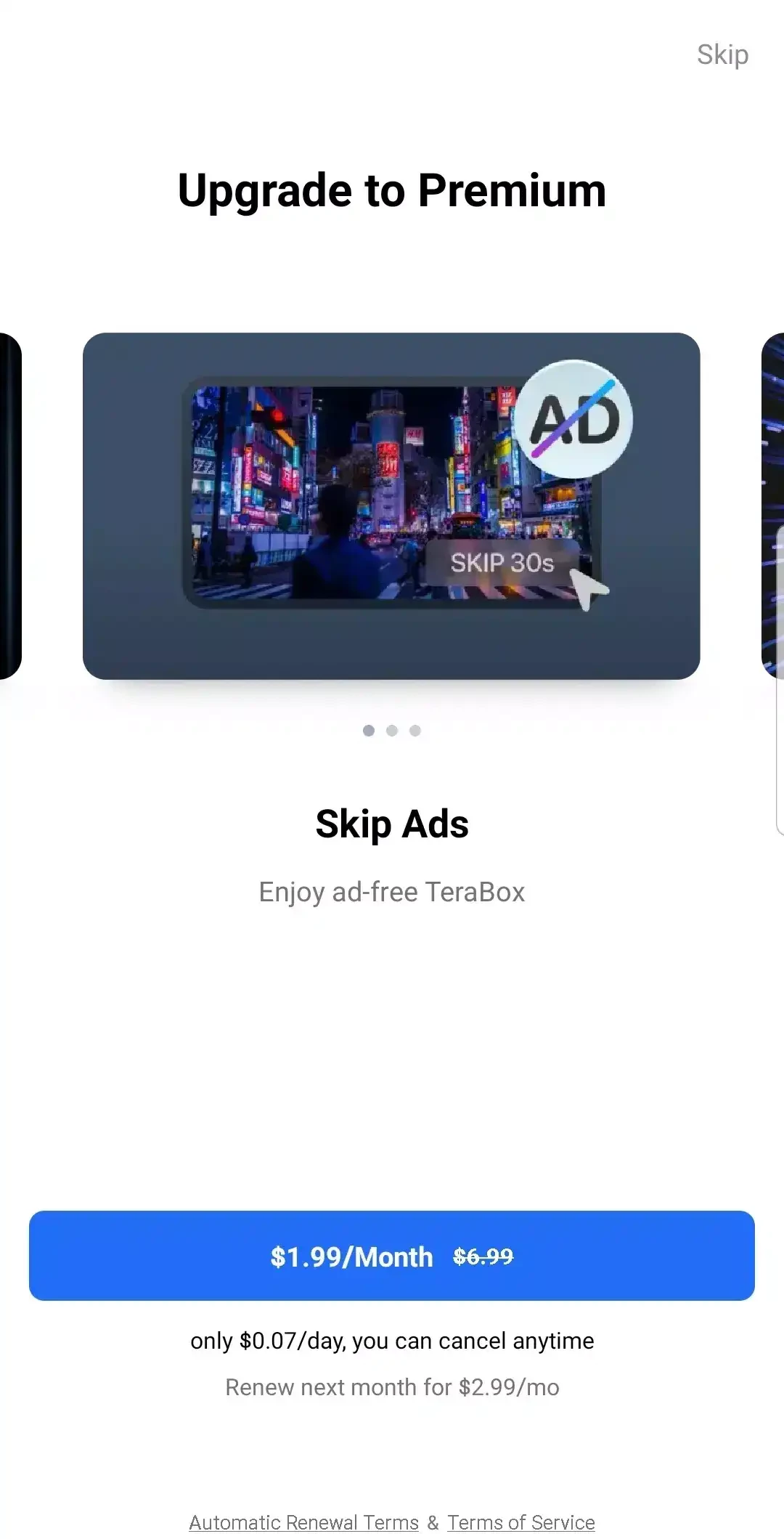
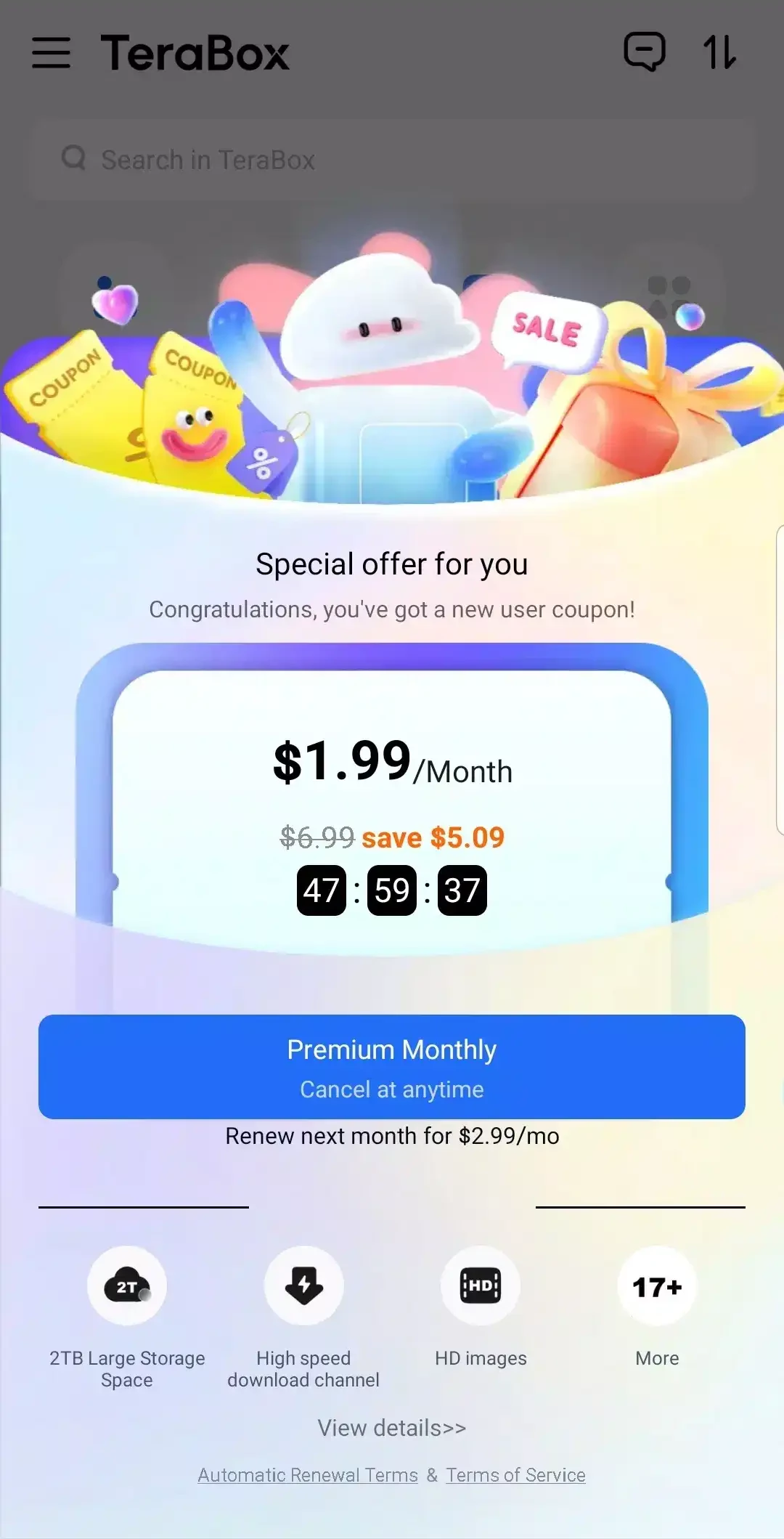
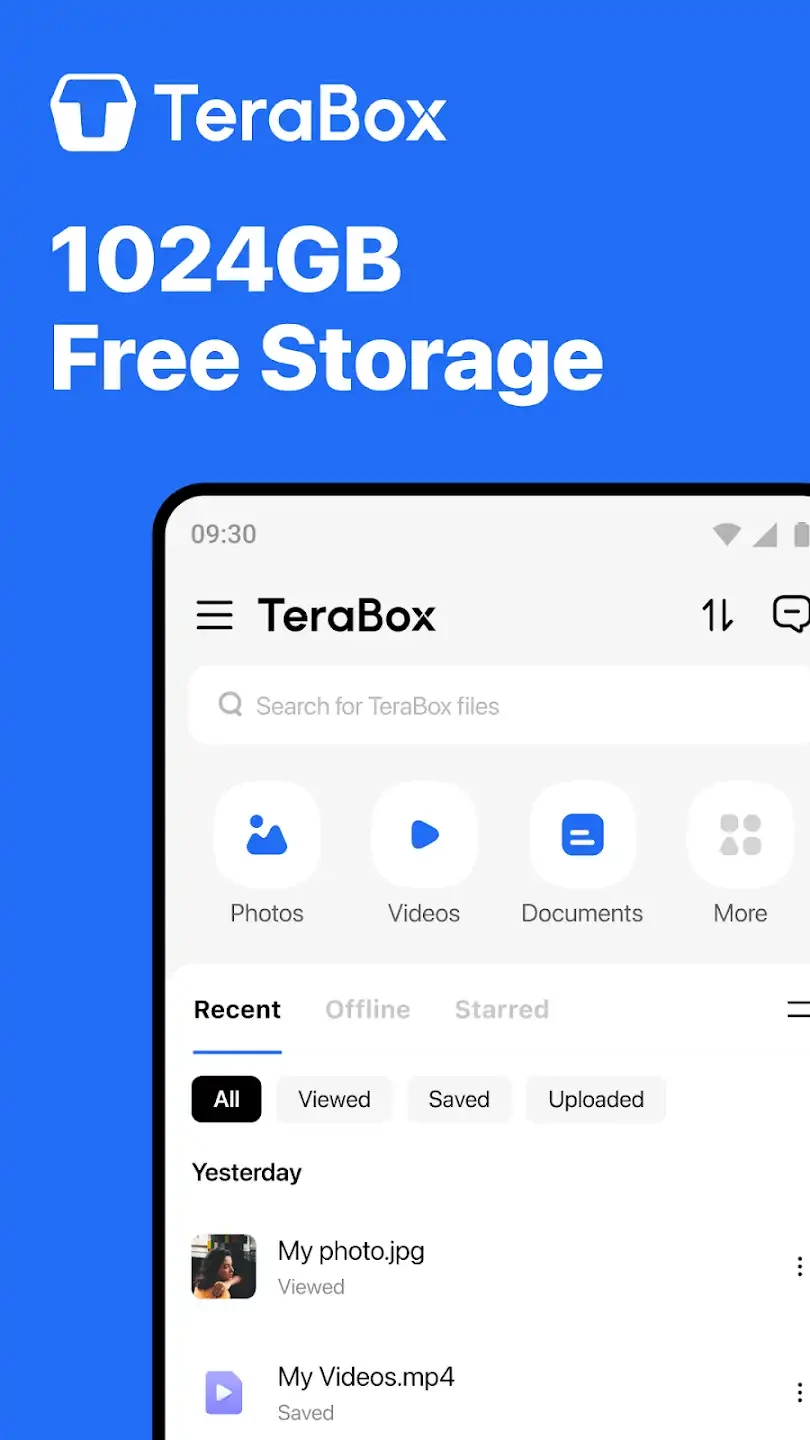
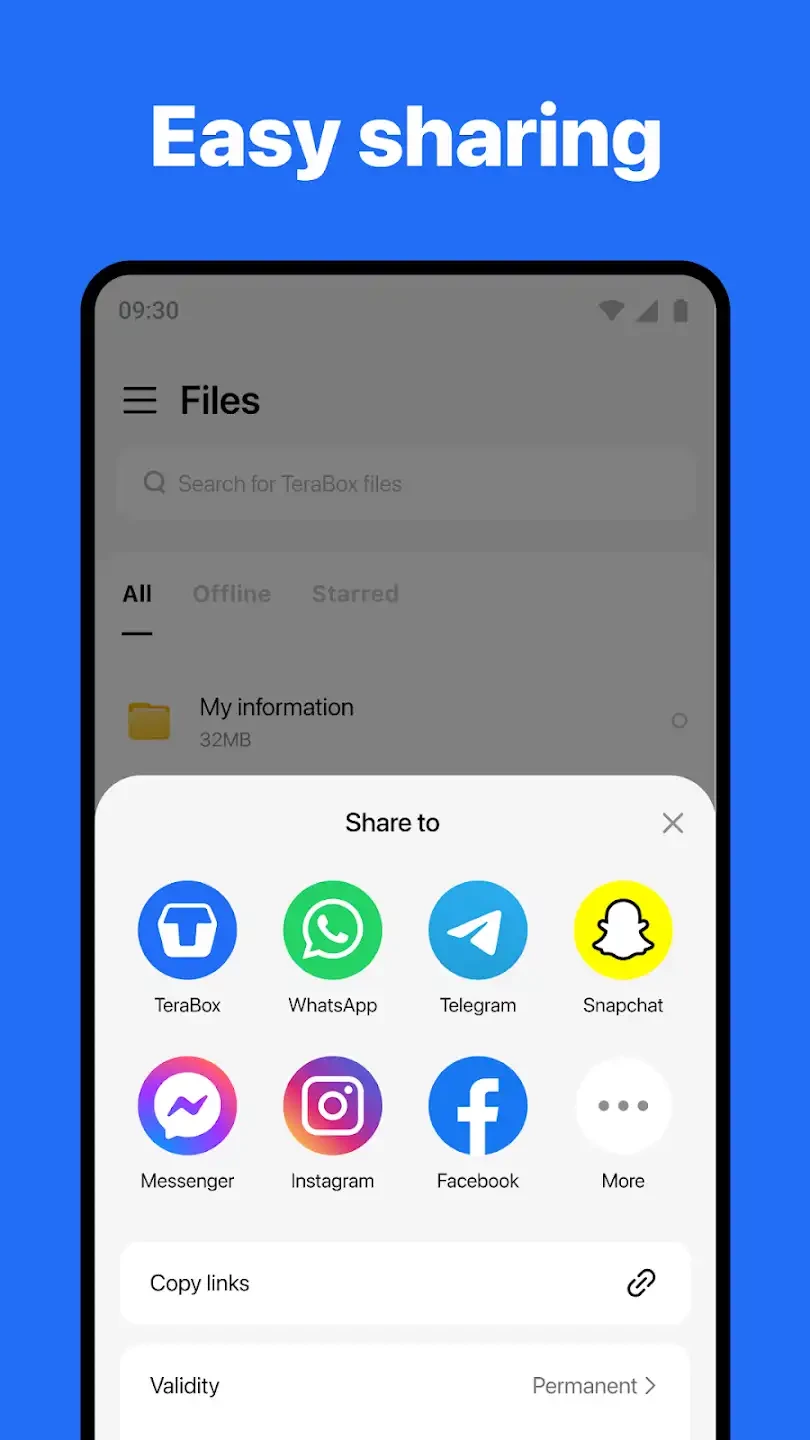
TeraBox 4.24.0 is the Android app of Flextech Inc.'s cloud storage service. It uploads photos, videos and documents from your phone to online storage, so you can free up space and open the files later on another device; the app is free to download and use.
| Item | Details |
|---|---|
| Version | 4.24.0 |
| Developer | Flextech Inc. |
| Platform | Android |
| Desktop client | Windows |
| Price | free to use |
| Size | about 301.30 MB according to catalogue data |
Phones fill up quickly with photos and videos, and cloud storage is the usual way out: files move to a server, and the phone keeps only what you need right now. TeraBox is built around that idea. You sign in, choose what to upload and then browse your storage from the app whenever you need a file again. The same account works in the Windows client, which makes it easy to move a video from the phone to a computer without a cable. Because the whole point of the app is to hold your personal files, the most important decisions are about trust and settings rather than features: what you upload, who can see shared links and what happens if you lose access to the account.
The developer's official site is flextech-official.com.
Uploading large videos over mobile data can use your allowance quickly, so restrict backups to Wi-Fi if your plan is limited. Background uploads also use battery; letting them run while the phone charges overnight is the easiest way to avoid that.
Our listings include Google One, MEGA and MediaFire, other cloud storage apps for Android, and ZArchiver or RAR for packing files into archives on the phone.
ZArchiver is a free archive manager for Android by Ant-ON for opening and creating compressed files. This page covers version 1.0.10.

MEGA is a cloud storage and file hosting service from Mega Limited. This page covers the Android app, version 16.12.

Google One is Google's Android app for managing shared account storage, phone backup and paid storage plans.

RAR for Android is an archive app from Rar Lab for creating and extracting compressed files on your phone.

MediaFire for Android is the mobile app of the MediaFire file hosting service for uploading, storing and sharing files from your phone.