
7-Zip
7-Zip is a free, open-source file archiver by Igor Pavlov for packing and unpacking archives. Version 26.03 is the current Windows release.
1.6 MB

TeraBox for Windows is the desktop client of Flextech's cloud storage service, used to upload, back up and download files from your PC.
Average 0.0 · ratings: 0
Thank you! Your rating is saved; you can change it. Could not save the rating. Please try again later. Too many ratings from your network today. Please try again tomorrow. The average appears after 5 ratings.
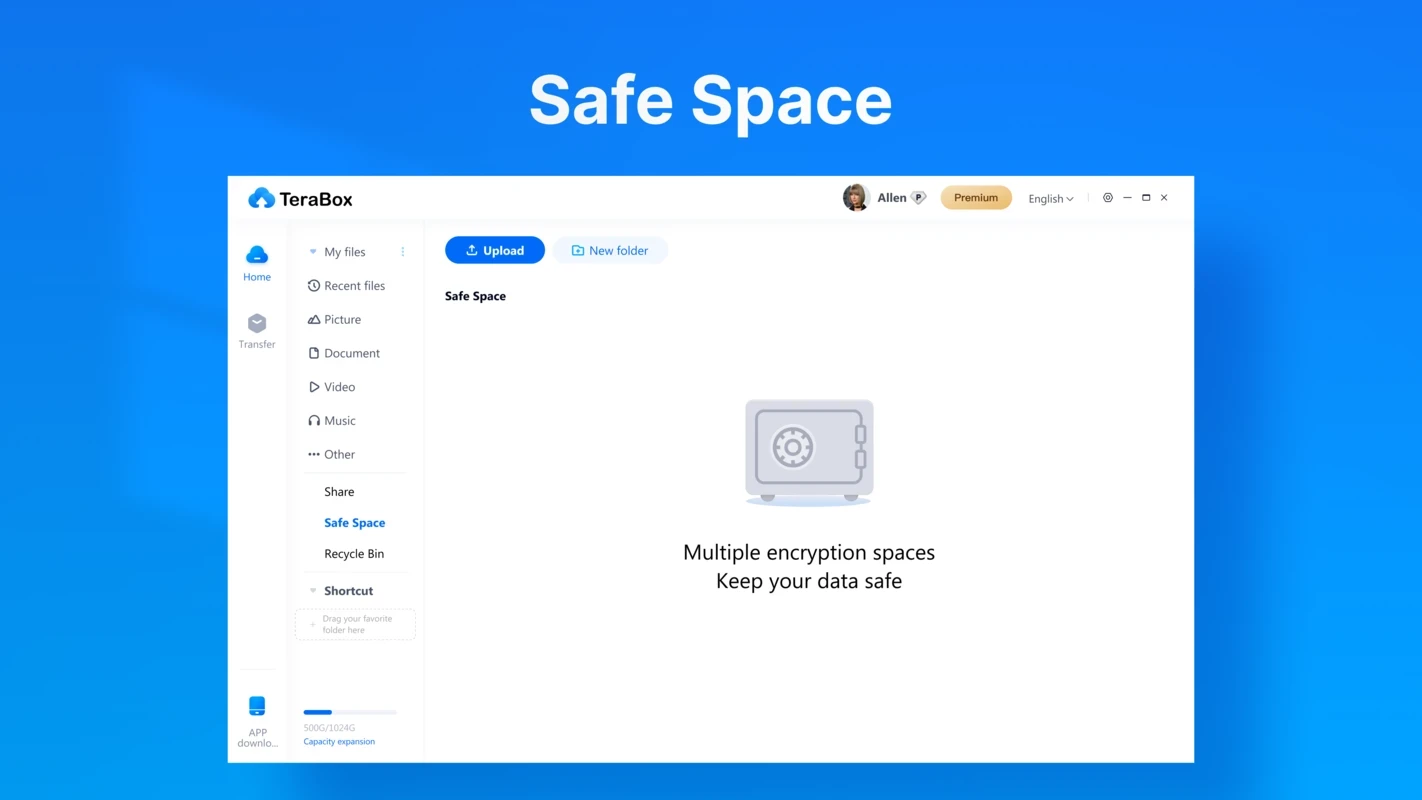
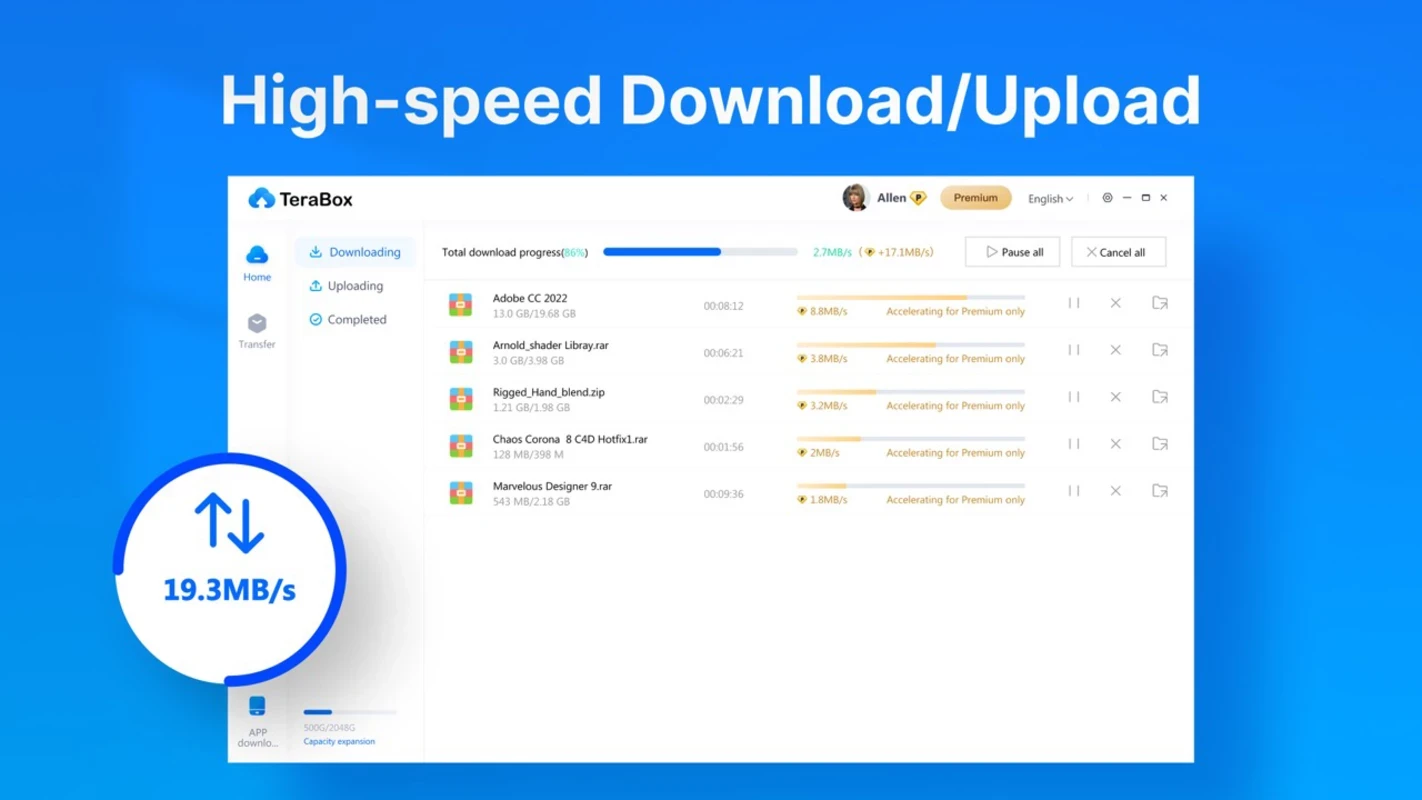
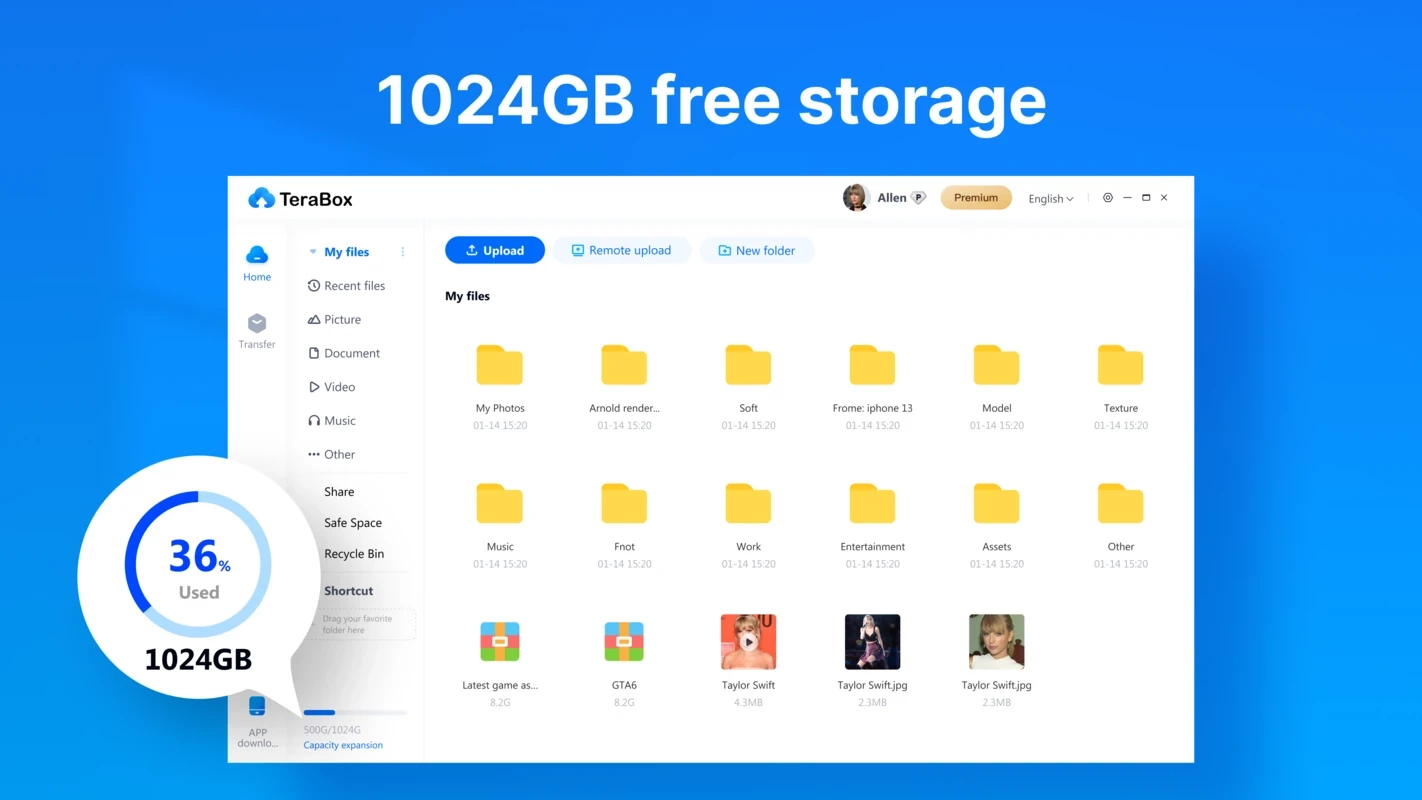
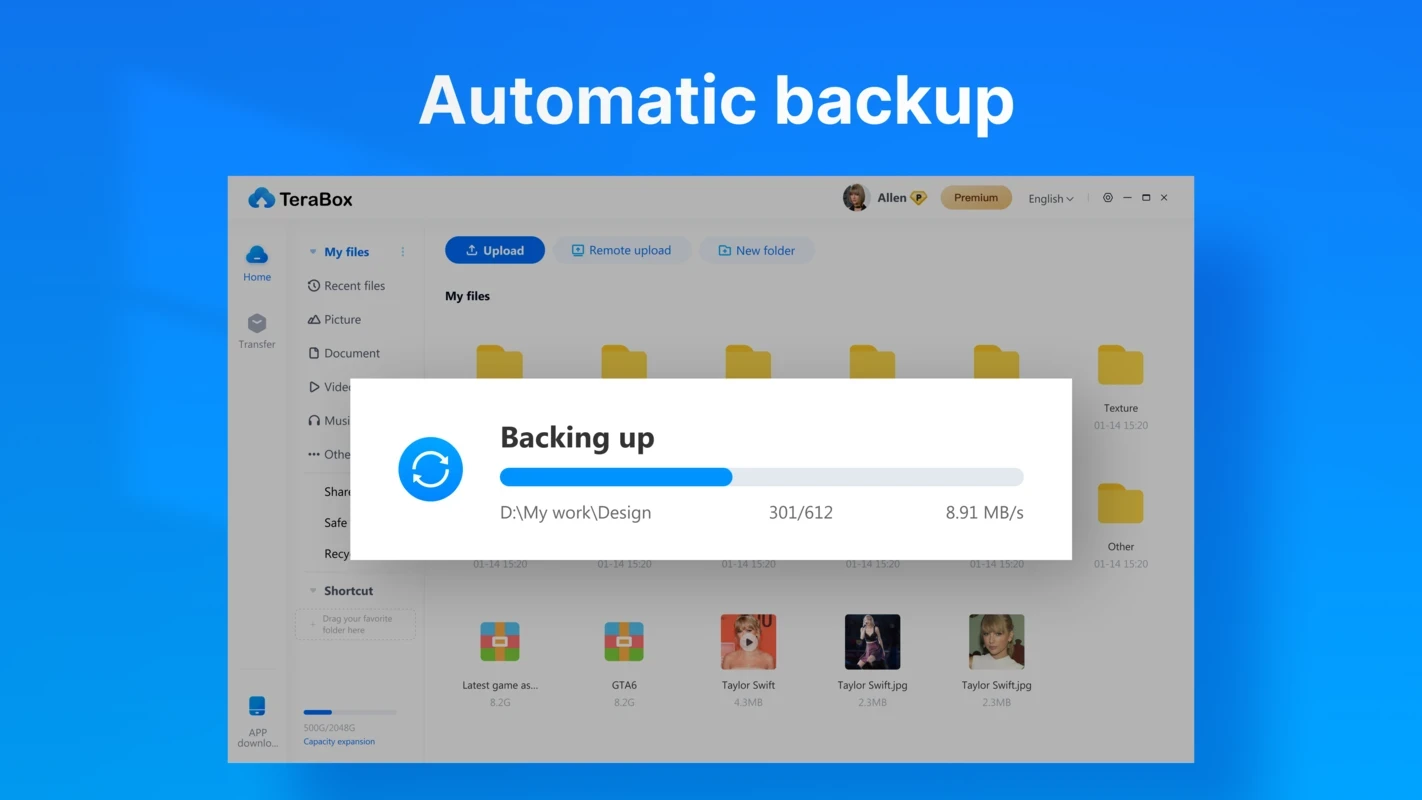
TeraBox 1.46.0.172 is the Windows desktop client of the cloud storage service from Flextech Inc. It lets you upload files from your PC to online storage, back them up and download them again on another device, and you can get it for free from the developer's official channels.
TeraBox suits people who have more photos, videos and documents than their computer's disk comfortably holds and who want a copy somewhere other than the PC itself. Students archiving course material, families collecting holiday videos and anyone who moves between a laptop and a phone can use the same account on both. A desktop client is handy for large batches: instead of uploading files one by one in a browser, you pick folders and let the program work in the background. It is less suitable for sensitive work data or anything covered by company rules, because files leave your computer and are stored by a third party; for that, use the storage your employer approves. It also makes sense to keep a second copy of irreplaceable files somewhere else, because no single service should be your only backup.
| Item | Details |
|---|---|
| Version | 1.46.0.172 |
| Developer | Flextech Inc. |
| Platform | Windows |
| Mobile app | Android |
| Price | free to use |
| Size | about 157.87 MB according to catalogue data |
Cloud storage means trusting a company with your files. Read the service's privacy terms before uploading personal documents, and consider encrypting sensitive files yourself before they leave your PC, for example in a password-protected archive. Turn on any extra sign-in protection the account offers. Do not install the client from unofficial portals, and be careful with links to shared files from strangers, which can lead to malware or phishing pages.
Our listings include Google Drive and MEGASync, other cloud storage clients for Windows, and 7-Zip or WinRAR for creating local archives before uploading.
7-Zip is a free, open-source file archiver by Igor Pavlov for packing and unpacking archives. Version 26.03 is the current Windows release.

MEGASync is Mega Limited's desktop app that syncs folders on your PC with MEGA cloud storage. This page covers version 6.6.2.0 for Windows.

Google Drive for desktop keeps files in sync between a Windows PC and Google's cloud. Version 130.0.2.0 is free.

WinRAR is RARLAB's archive manager for Windows, handling RAR and ZIP files. Version 7.23 is available as a trial.